All hands on deck! As an event approaches, organizations often turn to one of their most valuable on-site staffing resources: internal employees from the events team and beyond.
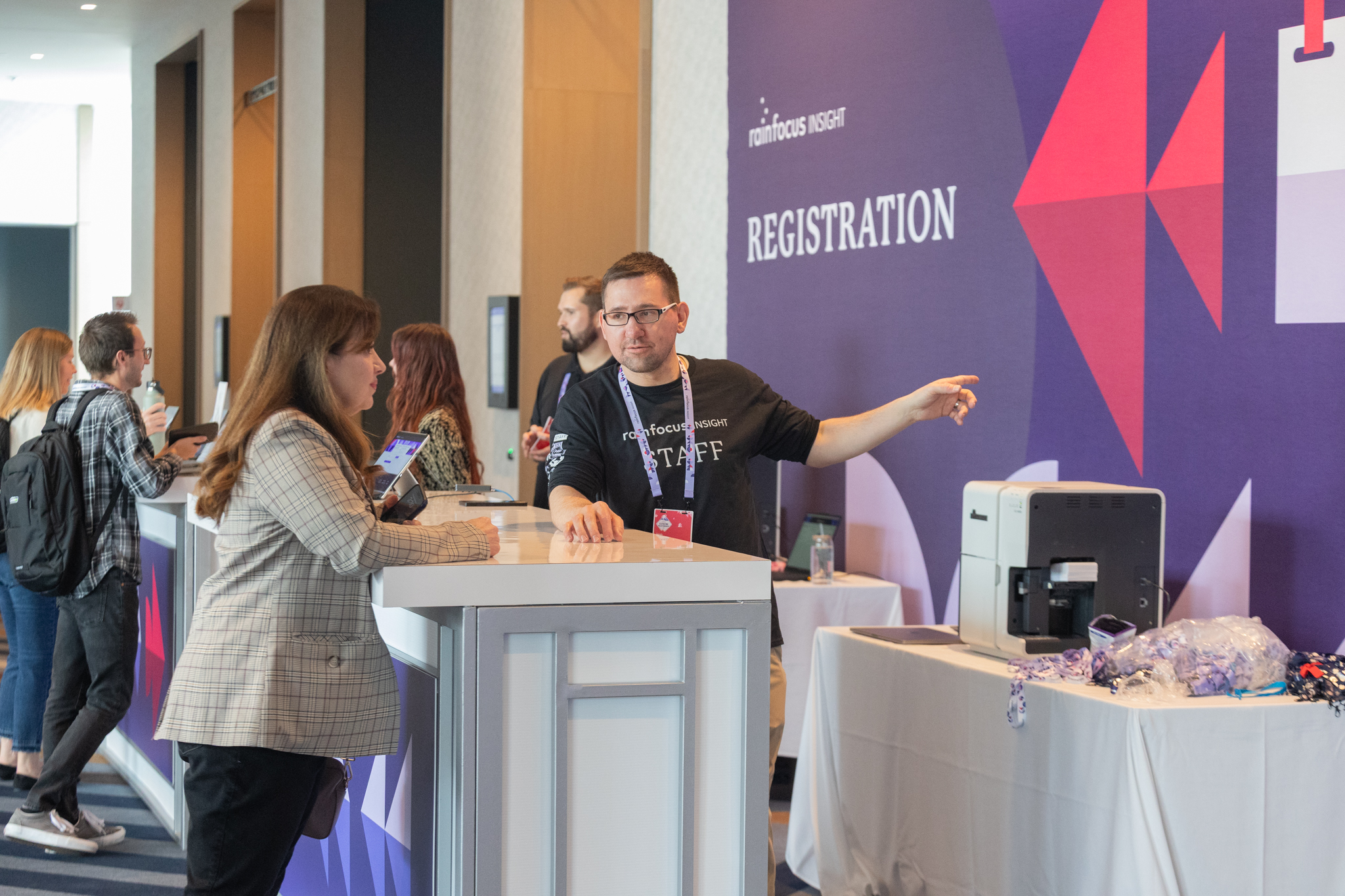
To make the most of their time at the event, employees often pitch in for the myriad on-site roles needed for successful event execution. They may be asked to distribute badges, scan booth visitors, monitor breakout session seating availability, support audience Q&A operations, or even spin the prize wheel at the gamification station.
Plus, with their knowledge of your organization’s latest offerings and pride in the company, employees are natural ambassadors. They make attendees feel connected and can effortlessly answer questions. Event leaders depend on these “temporary staffers” to fill in operational gaps and bring their events to the next level.
But what’s the best way to get everyone signed up for shifts … without drowning in spreadsheets? How can you avoid time conflicts? What are the secrets to ensuring employees show up for all of their shifts over the course of a busy event?
The Dreamforce inspiration
As part of the “Behind the Scenes” series at RainFocus INSIGHT 2026, our own configuration experts and other team members shared an insider perspective building the innovative new staff scheduling solution they debuted this year at INSIGHT.
The previous approach to employee scheduling at INSIGHT was built on spreadsheets, which presented limitations and required significant ongoing manual work.
“The spreadsheet might not have always shown the most up-to-date version,” noted Kristi Nybro, principal project manager at RainFocus. “And people did not have their scheduled sessions appear as shifts on their calendar, so a lot of them needed to have reminders sent.”
With the RainFocus platform already serving as the source of truth for event content and other core scheduling elements, using it for staffing instantly made sense for providing a seamless operation.
Better yet, Salesforce had already successfully run its internal staffing within the RainFocus platform at its massive Dreamforce event. A post-Dreamforce learning session with the Salesforce team gave Nybro and her colleagues an informative jumpstart on building something similar for INSIGHT.
Staffing “session” buildout process
The scheduling system used RainFocus’ existing session catalog functionality, with each employee shift built as a “session.”
Each employee could view available shifts organized by date and time and apply filters to see which still needed to be filled, explained Usamah Rao, solution consultant at RainFocus.
This setup not only made signup easy, but it also ensured work shifts appeared alongside session attendance and other INSIGHT commitments in each person’s agenda to prevent accidental double-booking.
“The process was about using the tools we are already using,” added Gabe Fernandez, senior solution consultant at RainFocus. “There was nothing new to learn, and everything was in one place, with no need to manage multiple spreadsheets anymore.”
Whether a shift was individually selected or pre-assigned (e.g., by a manager), it was automatically populated into the employee’s daily agenda and mobile event app for quick viewing on-site.
Quick deployment tips
Building the staffing system within RainFocus offered plenty of built-in advantages, as seen by Salesforce and our own team at each organization’s respective events.
But regardless of the platform, here are a few guidelines to start streamlining employee staffing sign-ups and on-site operations at your next event:
- Include layered access safeguards. When staffing sessions are built the same way as regular content sessions open to attendees, it’s important to make sure only employees can see them. The RainFocus team used widgets with filters, attribute values, and employee-limited visibility to maximize security. Session catalogues for non-employee attendees contained only the expected menu of sessions for a clean, confusion-free experience.
- Share the dashboard with people leaders. Once initial shift sign-ups are launched, keep managers in the loop. An automatically updated dashboard can show them which days and tasks still need the most staffing. It can also list which of their direct reports attending the event have not yet volunteered where needed.
- Make “Add to Calendar” easy. An email confirmation with a universal .ical file helps employees continue to prioritize shift attendance. You’ll increase the chances that everyone shows up as planned, even as their event agendas inevitably become more jam-packed as the event nears.
- Send day-of reminders. Finally, timely reminders for shift attendance — through emails, mobile push alerts, or a combination of both — tame on-site schedule chaos and provide that last gentle enforcement step. Staffers reminded of their commitments can make sure to avoid scheduling last-minute meetings or other activities over their critical duties for helping make the event a success.
If you couldn’t make it to INSIGHT this year or want to revisit the key learnings, here’s a quick recap of the most important takeaways.
Better yet, we’ve made select sessions available free. Log in here to browse at your convenience.