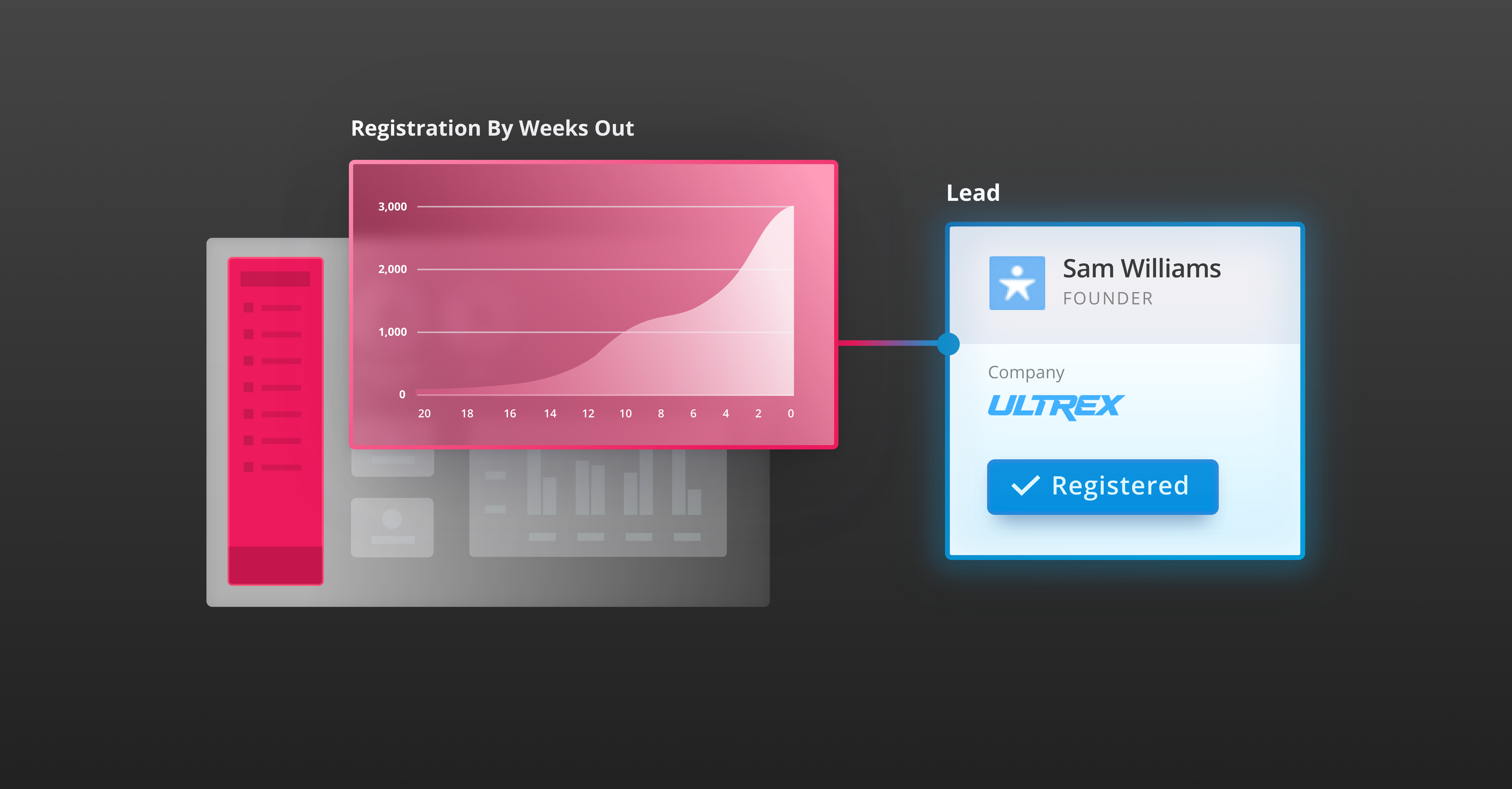
Event integrations connect key business systems, extending the value of events to multiple departments and enabling event professionals to draw upon existing knowledge for greater personalization.
With AI, these integrations become even stronger. AI can decipher unstructured data passed through integrations into actionable insights. Understanding the basic structure and flow of integrations can help you think through how you might use AI and elevate your event strategy.
This post provides a comprehensive overview of event integrations, highlights which are most important, and describes best practices for setting them up.
Basic Terminology: Integrations vs. APIs
Event technology providers often refer to integrations and Application Programming Interfaces (APIs) throughout event implementation. Though closely related, the two concepts differ in functionality. Integrating is the process of connecting different software systems, and APIs are the set of rules and protocols that allow systems to communicate. They define how requests and responses should be formatted. In short, integrations focus on the end result of connecting systems, while APIs serve as the means to achieve those results.
Understanding the Flow of Data Between Platforms
APIs can be configured to push or pull data into your event marketing platform. Some integrations, such as a CRM integration, are considered bi-directional, meaning they send and receive data. Understanding the nuances of pushing and pulling data is crucial for setting up integrations that support seamless data flow and enhance event operations.
Pushing Data: Pushing data sends it from one system to another, such as attendee details collected during event registration automatically pushed to a CRM, ensuring real-time synchronization and updates. This approach allows marketers to trigger personalized follow-ups or qualify customers based on their actions at events.
Pulling Data: In contrast, pulling data involves retrieving information from another system as needed. An event marketing platform might pull customer data from a CRM to personalize registration flows or tailor session recommendations to specific personas. Pulling data ensures attendee information is always current and relevant.
Key Integrations for Every Event
There are hundreds of possible integrations for an event marketing platform. Deciding which systems to integrate is an important step in the event planning process. Consider company and event goals, partner solutions, stakeholder preferences, and platform capabilities. Generally, the following three types of integrations that are important for any event:
- Marketing and sales integrations. Establishing bi-directional marketing and sales integrations is key to driving pipeline, accelerating conversions, supporting customer retention, and demonstrating event ROI. CRMs and MAPs provide valuable customer data to fill in attendee records. Event data can bolster customer records, offering key insights into an individual’s interests and behaviors.
- SSO. SAML or OIDC allow you to authenticate customers and sign them in with an existing external account, creating continuity between the event website and your event platform. Establishing SSO can reduce cart abandonment and streamline registration for returning attendees.
- Payment integrations. When processing payments for an event, your team must integrate with a secure platform that will protect your attendees’ PII and adhere to your organization’s security regulations.
Best Practices for Setting Up Event Integrations
No matter your level of expertise on these integrations, the following best practices will ensure you are getting the most out of your integrations and aligning them with your overall event strategy:
- Work cross-functionally. First, meet with all stakeholders to learn what they need to be successful. Plan data mappings to address those needs.
- Establish governance. Decide early on who will build, test, and manage each integration. Documenting everyone responsible also provides a point of contact in case of any issues that need to be immediately fixed.
- Validate your data before integrating. Optimal integrations require high-quality data. Avoid a “garbage in, garbage out” scenario by cleaning up records before adding them to your event marketing platform.
- Standardize your data formats. Whether you are using JSON, XML, Javascript, or another language, standardizing your data format facilitates smooth integration, preventing errors during data transfer.
- Plan for future configurations. Design data mappings to be easy to update, allowing the team to accommodate future needs.
- Identify the tools you’ll use to monitor integration performance. An integration dashboard provides visibility into the integration’s success rate, volume of data, queue size, and other information.
- Conduct testing. Validate that data is correctly mapped before launching registration. As best practice, use a sandbox environment to test the integration and troubleshoot any errors. If data isn’t flowing as expected, check for formatting errors.
The Role of Integrated Data When Using Agentic AI
Once you’ve set up each integration and have proven that everything works the way it should, you can take them to the next level with AI enhancements.
As more people become accustomed to communicating with AI in their daily lives, attendees will also come to expect AI support at events. Agentic AI in particular will enable attendees to get the most out of their experience, such as by helping them fill their agenda with the most relevant sessions, activities, and meetings. Integrating customers’ data into your event marketing platform allows AI agents to identify patterns and trends, offering attendees a personalized experience based on their preferences and behaviors.
RainFocus is actively preparing event leaders for the agentic web with RainFocus Nexus, a system of AI agents that integrate with your existing tech stack to automate event setup and enhance the attendee experience. Request a demo to learn more.