To fully put AI to work at your organization, you’ll need to first connect AI assistants with the tools you’re already using. The task can be complex, depending on your tech stack.
Many teams rely on developers to write custom code for every single integration to enable AI to understand a platform’s data. But there is a more efficient way to set up the connection.
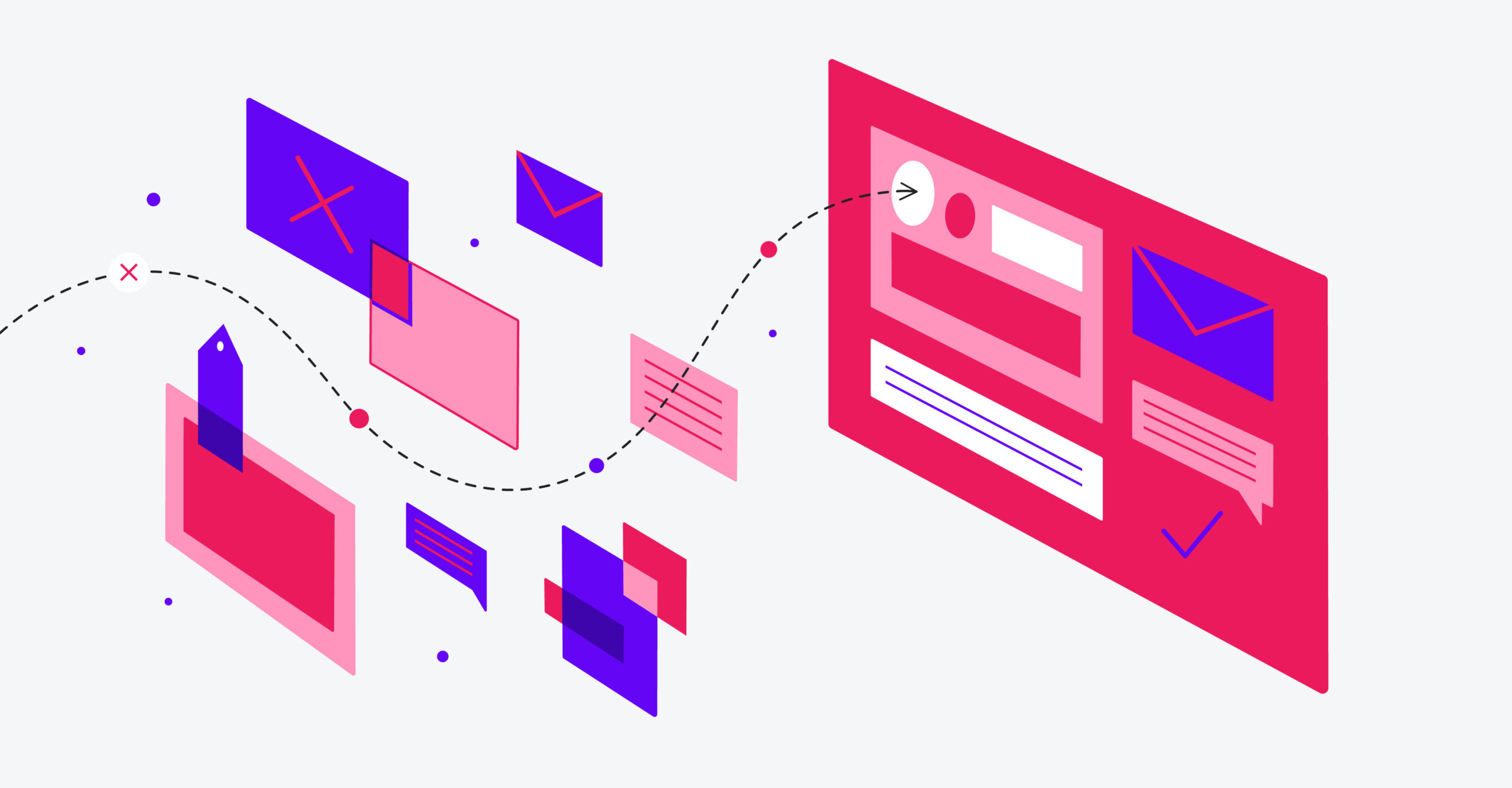
Model Context Protocol (MCP) bridges the gap between intelligent agents and live event data — eliminating the need for multiple integrations by giving all compatible AI tools one shared language.
What Is MCP?
To start, MCP is an open standard that lets AI agents talk directly to external systems and databases. The universal connector works across various platforms and data sources.
MCP Saves Event Marketers Time
MCP servers automatically generate a plain-language menu of available tools. AI agents can read that menu to understand exactly how to connect platforms. This enables teams to set up secure, bi-directional integrations quickly, without the need for custom development.
For maximum security, MCP can be paired with enterprise-grade authentication (OAuth 2.0) to create a delegated credential system. Your team ensures AI can only access permitted functions and data without relying on static API keys. Full audit logs are included, so there’s visibility into every action taken.
Real-World Applications for Event Teams
With MCP enabled, event teams can do much more with their event data and make their teams more efficient. Here are a few use cases:
- Add event engagement to your CRM. Push attendee behavioral signals, such as session engagement, meeting attendance, booth visits, or resource downloads, directly into Salesforce, HubSpot, or Microsoft Dynamics in real time.
- Flag incomplete profiles. Identify attendees or speakers with missing required fields, such as their bio, headshot, or contact information, before event deadlines. For exhibitors, MCP profiles can help you find out which organizations are missing their booth description, logo, or contact assignments.
- Validate session data. Check session records for missing abstracts, unassigned rooms, or speakers without confirmed status.
- Evaluate room capacity vs. registration. Compare session registrations against room capacity and flag over-subscribed sessions that may require room changes or waitlists.
- Track check-in status. During the event, query how many registered attendees have checked in by session, track, or time block.
- Trigger marketing automation from live event signals. Instead of waiting for a post-event data dump, MCP gives platforms like Marketo or Eloqua a live read on event activity so that nurture tracks and sales alerts are activated at the right time.
- Unify event attribution across your revenue stack. A single protocol connecting your event platform, sales platform, marketing automation, and analytics tools lets AI agents trace the full journey, from event check-in to closed deals.
- Surface event intelligence inside your sales team’s existing tools. MCP lets reps query attendee engagement data directly from Salesforce, Slack, and their other familiar tools.
- Enable AI to act across your full stack from a single prompt: With MCP bridging your event platform, CRM, and MAP, one instruction can identify high-intent attendees, update CRM records, enroll them in a nurture track, and alert their account owner.
How to Get Started With MCP
- Audit your event tech stack. Not all event marketing platforms support MCP yet. If yours does not, consider prioritizing a switch to a platform that consolidates attendee behavior from all event types into a single source of truth that agents can easily query.
- Loop in tech teams early. MCP dramatically reduces integration complexity, but IT needs to configure and maintain the server connections.
- Document your data permissions. Access controls are critical for success with MCP, so take time to define exactly what data each AI agent should and shouldn’t be able to touch.
- Start with one use case. Rather than overhauling every workflow at once, pilot MCP with a single high-value application, such as real-time session attendance reporting.
- Plan for iteration. Your first integration will surface new possibilities. Build in time to measure results and expand use cases after your initial deployment.
RainFocus is uniquely positioned to help organizations upgrade their AI architecture. With purpose-built agents in RainFocus Nexus, human-in-the-loop governance, and a global attendee profile that spans multiple events, RainFocus is fully equipped to support MCP. Request a demo to learn more.